Gemini intelligence on Pixel phones
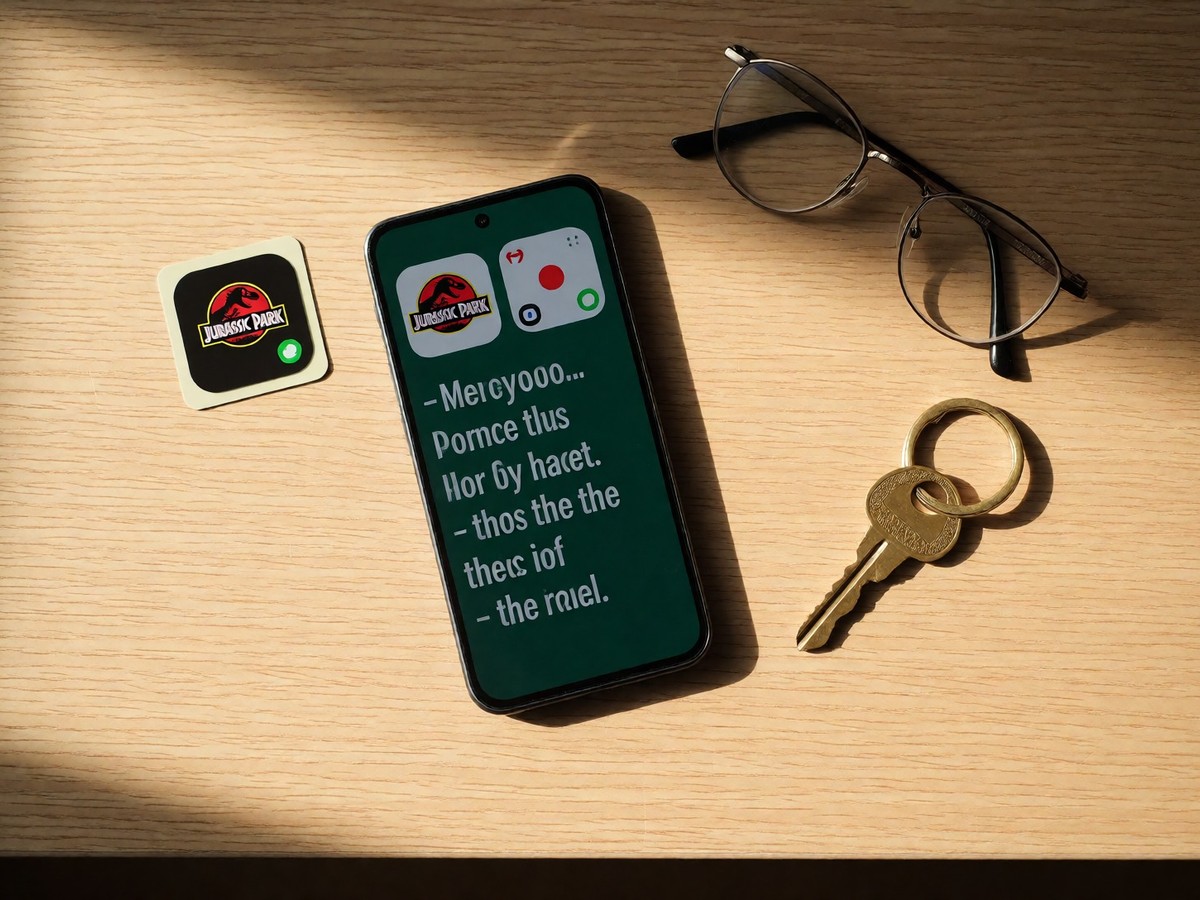
Earlier this month, Google began rolling out its "Create My Widget" feature to Pixel phones. This beta tool sits within the "Gemini Intelligence" suite and allows users to build custom widgets using AI prompts. I tested the feature on a Pixel 11 Pro. While the interface suggests categories like habit trackers, most results rely on Gemini interpreting text instructions. I made a widget to display a different quote from the original Jurassic Park film every hour, and it only took about 20 seconds to set up. Tapping that widget opens a thread in r/MovieQuotes. I even saw the words "That is one big pile of shit" appear on my home screen, and the widget also provided the wisdom of the film. I also made a widget that says it is raining when it is raining in Seattle, which uses the phrase "No rain right now" if the weather remains clear. It was a fun way to spend a few minutes. I was hyped to see if it could help me make my home screen ridiculous.
Failed utility and template limits
The feature struggles with real-time data and specific utility. I tried to build a widget for real-time bus arrivals near my house to avoid missing my transportation, but the "Bus Arrivals" tile, which uses Gemini to search for arrival times, gave me a wordy response rather than a list of arrivals. This failed to provide the glanceable information I needed to avoid running to the stop. I also made a walk tracker to help with my mental health. The tool produced a "Log Walk" button that triggers Gemini to add a walk to my calendar, and Gemini even suggested creating a checklist where I could mark off the days of the week as I completed my walks. You can also use these templates for countdowns to holidays, recent scores and upcoming game times for sports teams, or three-ingredient cocktail recipes pulled from Google search results. I also made a recipe widget that suggests a different three-ingredient cocktail recipe every day using Google search results. I wanted mini apps I could customize to my liking, but this feature is just a one-size-fits-all tool.