New Recompose tool in Photo Editor
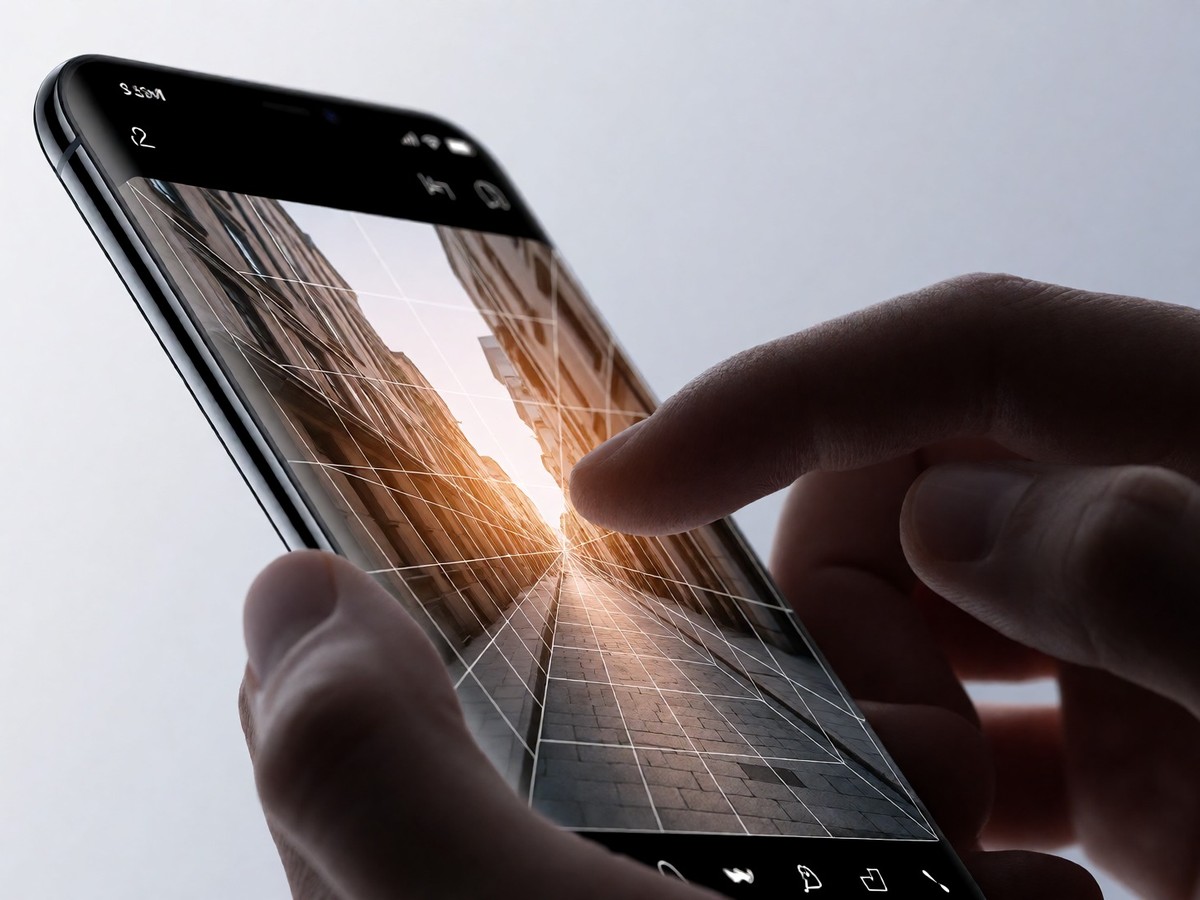
I discovered code in the One UI 9.5 beta that describes a Recompose tool within the Samsung Photo Editor app. This feature builds on the existing Move tool to let users change the angle of photos after they take them. Users toggle between Move and Recompose to adjust their images. The interface provides specific instructions for navigation. One text string tells the user to "Drag with one finger to change the perspective. Use two fingers to pan, zoom, and rotate." Another instruction tells users to "Move this slider to make background objects appear closer or farther away." Android Authority found that the Photo Assistant’s move and erase settings also claim that users can "change the angle and perspective of your photos" through these integrated tools within the Photo Editor. This Recompose tool clearly provides more control over existing shots than the previous Move tool allowed.
| Feature | Detail |
|---|---|
| Software Version | One UI 9.5 beta |
| Primary Tool | Recompose |
| Supporting App | Spatial Core |
| Final Processing | Generative AI in cloud |
| Interface Option | Move or Recompose |
Technical 3D rendering process
The Recompose tool relies on a separate Spatial Core app to turn a photo into a 3D rendering. This app uses a depth map so users change the perspective in 3D. After the user makes the 3D adjustments, the Photo Editor sends the image to the cloud for processing. I find the requirement to send images to the cloud for generative AI processing to be a drawback. The process uses the Spatial Core app to generate a 3D model from a depth map so that the Photo Editor can send the file to the cloud where generative AI fills in the missing parts of the image.
The user can drag with one finger to change the perspective and use two fingers to pan and zoom. Users also use a slider to make background objects appear closer or farther away. They can also rotate the image. I would use these tools to fix a photo with a poorly placed subject. This feature works via the Photo Assistant settings which allow users to "change the angle and perspective of your photos." These instructions belong to the Recompose tool’s interface in the Photo Editor.