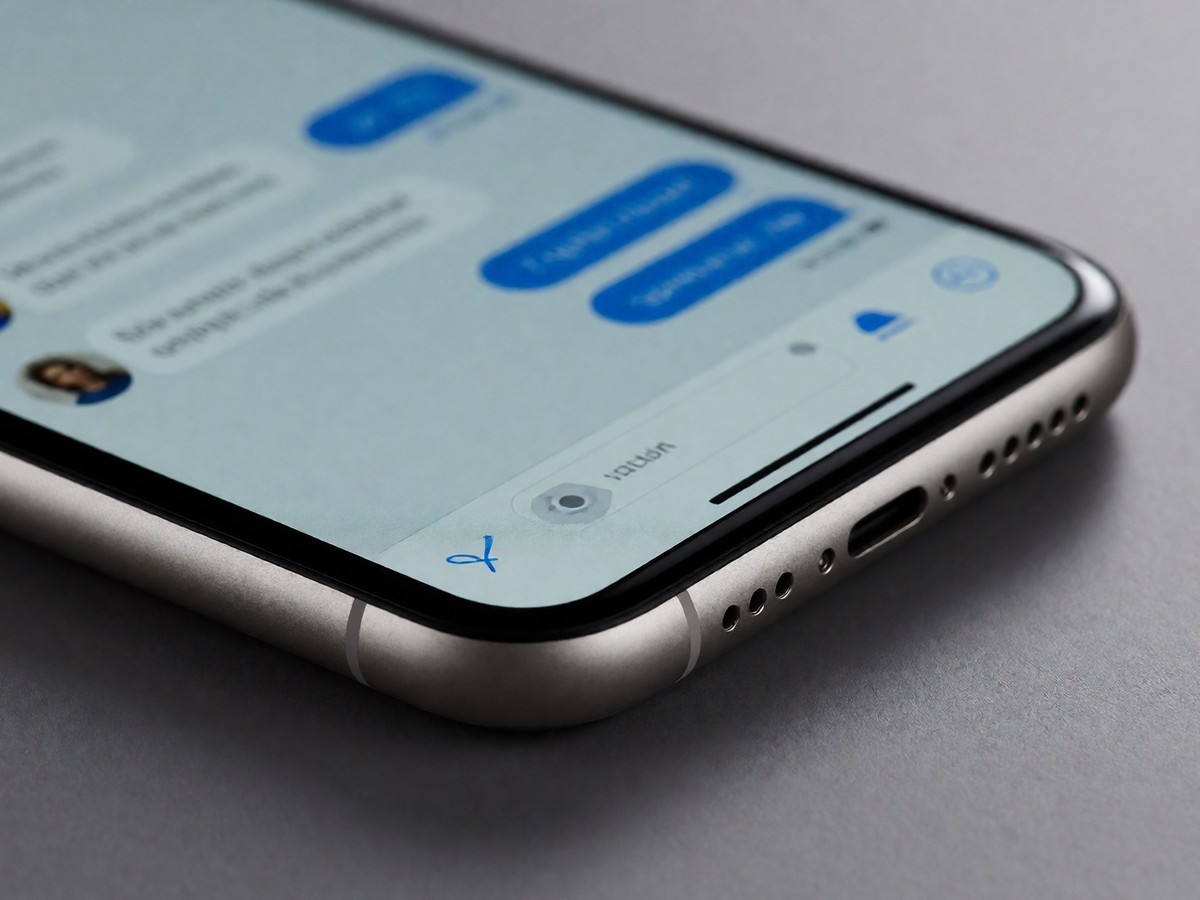
Defending against OS-level AI agents
I view Signal’s decision to block OS-level AI from accessing chat screens as a vital but incomplete defense against what President Meredith Whittaker calls an "existential threat." Signal now implements protections to stop Siri’s Onscreen Awareness on iOS 27 and Google’s Gemini Intelligence on Android from reading conversation content while performing tasks for users. This follows a May 2025 update where Signal engineers blocked Microsoft’s Recall feature on Windows 11. By restricting these agentic systems, Signal aims to prevent sensitive data from being captured and stored in local databases or remote servers used by operating systems. Whittaker explains that because AI agents are now embedded deep in operating systems, an OS-level AI agent captures, stores, and makes sensitive data accessible to whatever local database or remote server it uses at that moment. I find the iOS update’s side effect frustrating, as it also prevents users from taking screenshots of their own conversations, even for legitimate purposes.
Limitations and remaining vulnerabilities
Signal’s engineers spent months reverse engineering extraction pathways to design these targeted protections. Whittaker admits this solution cannot address every sneaky way an AI agent might access application data, and I find the lack of protection for macOS users particularly problematic because Signal currently cannot provide any screenshot-blocking protection on that platform. For those using macOS 27, Signal recommends adding the app to the "Excluded Apps" list under System Settings > Siri to prevent Siri from proactively accessing message content. On Android, the app automatically enables "Screen Security" when it detects an AI assistant attempting to access the screen. iOS users must go to Settings > App Security to check that "Block Siri AI" is enabled.
Signal calls on Apple, Google, and Microsoft to provide detailed documentation regarding all potential access mechanisms and to give developers a clear way to opt out of AI access across notifications, files, and APIs. Although users can disable these mobile settings, Whittaker states that doing so would "break our privacy guarantees" because it leaves the data vulnerable to OS-level capture. Because AI agents are now embedded deep in operating systems, Signal says apps have limited options for protecting users. I believe users should upgrade to the latest version and check Settings > App Security to ensure "Block Siri AI" is enabled on iOS.